
In this tutorial, we will show you how to use View More option. Please follow the below steps:
Step 1: First, you need to install and activate our Easy Table of Contents plugin.
Step 2: Go to the Easy Table Of Contents settings, under the Settings section which you will find in the Pro setting option on dashboard. (You can download Pro setting option from this account area.)
Step 3: Click on View more and it will expand with multiple option.
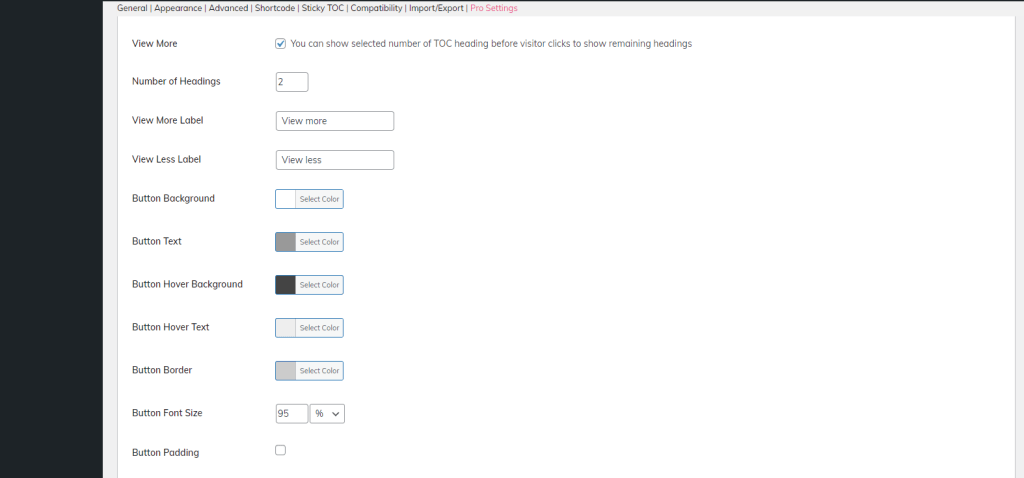
Step 4: Set “Number of Heading” option according your choice, Scroll down and save it.
For ex. if set on 3 then desired output will become this.
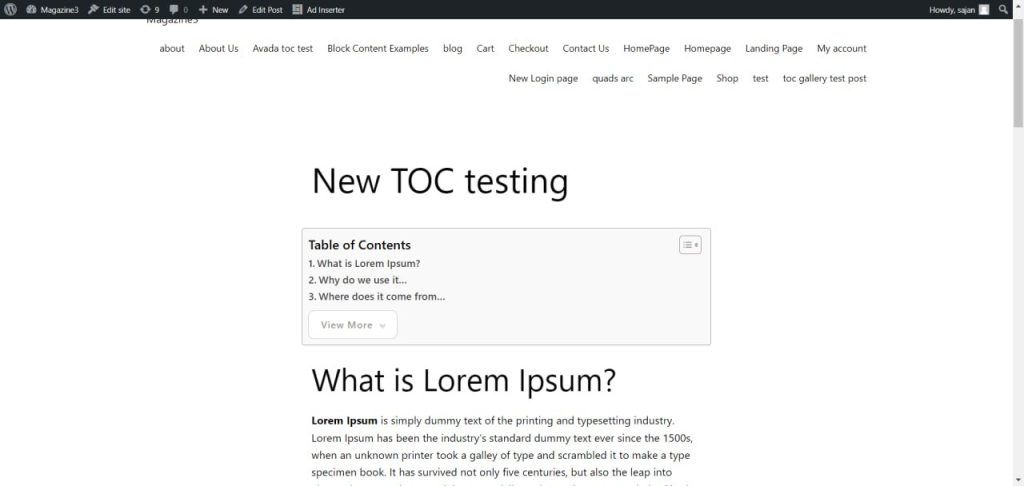
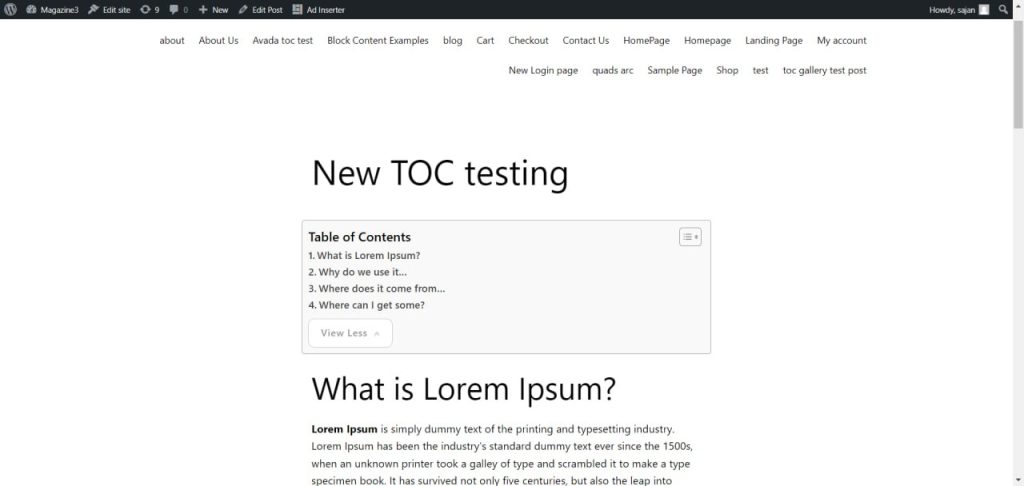
This way you can use this option to set View More/Less on your post /page.
Note: If the ‘View more‘ feature is not working, please ensure that the ‘Show hierarchy‘ option is disabled. Due to its nature, enabling ‘Show hierarchy‘ may interfere with the functionality of the ‘View more’ feature. Kindly check and disable ‘Show hierarchy‘ if needed.
